
 Pricing
 Sign in







Guides for Florida contractors.

19 Florida guides, 18 of them with the statute named, and 6 guides to the everyday jobs in the app.

Florida deadlines that cost you the job if you miss them.

Lien rights, licenses and permits
6 guides
 The Florida Notice to Owner deadline, and how to track itFlorida Notice to Owner: serve within 45 days of first work and before the owner makes final payment to the GC. See how to track the deadline.
 Notice to Owner software, built for Florida's Chapter 713Track the 45-day Notice to Owner date, service record and worksheet. Serve before the owner makes final payment to the GC, even if days remain.
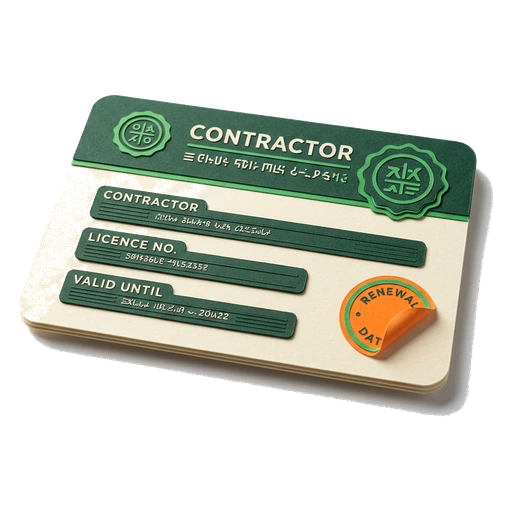 Track DBPR licenses, COIs, and renewal datesKeep every DBPR license, COI and bond in one vault, with the date it runs out. We remind you in the app and by email before anything on the job lapses.
 Track your Florida contractor license renewalNote when your Florida contractor license and your qualifier's are due, pick your reminder, then check the status in the DBPR weekly construction extract.
 Florida permit tracking, from the day you apply to close-outTrack Florida permits and inspections in one place. County pre-checks cite a source. The review clock is an estimate that tells you when to check with the county.
 How to track subcontractor licenses in FloridaKeep every sub's Florida license and COI on file, with the date it runs out. We check them against the DBPR weekly extract. That way a lapse does not reach your job.
Getting paid
6 guides
 Review the weekly WH-347 before you certify itRead the week's crew hours and each worker's pay setup. Do it before anyone certifies the WH-347. The screen shows you where our part stops and yours starts.
 AIA G702 and G703 pay applications from field progressTurn the field percent you checked into a draft pay application. We build it AIA style, on a G702 and a G703. It comes with a schedule of values and retainage.
 How to get paid faster as a Florida contractorWrite down the work. Send the pay application. Then chase it on time, with the Florida lien dates for that same job on a worksheet right beside it.
 How to fill out the WH-347 certified payroll formA walk through the WH-347 certified payroll form, column by column. We cover the weekly deadline that rules it. We cover the Statement of Compliance on page two.
 How to fill out an AIA G702 application for paymentA walk through the AIA G702 application for payment, line by line. How it has to match the G703 continuation sheet. Where the Florida retainage rules come in.
 Schedule of values software that survives the whole jobBuild a schedule of values that holds up on every draw: each line's value, work in place, stored materials, then the retainage and what is left to finish.
Winning the work
4 guides
 Review an aerial roof outline before the field checkSee what an aerial roof outline shows, and what it cannot. Eave, ridge and valley lines on real images. Then the field check that still has to happen.
 Review and send roofing proposals from one workspaceBuild a roofing proposal with the scope, the total and the margin on one screen. Send it out to be e-signed. The signed copy stays on the job.
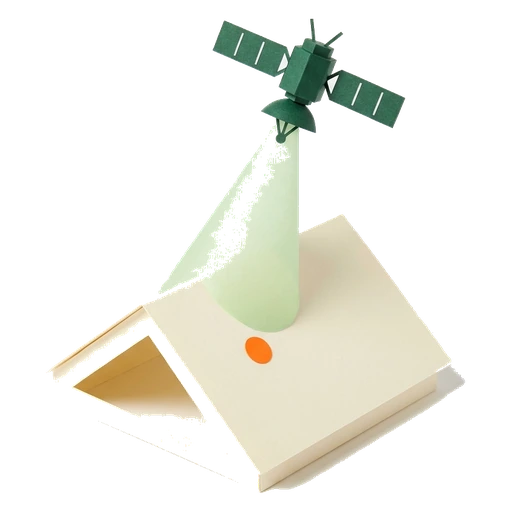 How accurate are satellite roof measurements?What aerial and satellite roof measurements can and cannot tell you, why a building's shape is not its roof's shape, and when you still have to get on the roof.
 Roofing lead management, from first call to signed jobCatch every roofing lead in the CRM. Size it up with an instant estimate. Then carry it into a job, a proposal and a permit without typing the customer twice.

Running the company
3 guides
 A roofing CRM that also runs your Florida complianceA roofing CRM for Florida contractors. One customer record holds the job and the permit it needs. It holds the DBPR license and insurance dates behind that work too.
 How to pick software for a Florida roofing contractorWhat to look for in a CRM for a Florida roofing contractor. Permit and lien dates. DBPR license checks. Aerial takeoff, and pay applications on one job.
 Run roofing insurance supplements from one deskPut the carrier estimate next to your own repair scope on one job. Keep the work that did not match in plain sight. Attach the photos that back up each line.
The everyday jobs in the app, one guide each.
Create a job
Start a job record, connect the basic work details, and place it in the right stage.
Open guide
Manage a customer record
Every customer's contact info and address in one place.
Open guide
Build and send a proposal
Line items, margin, and e-signature, checked before it goes out.
Open guideGet paid online
Customers pay an accepted proposal by card or bank. The money shows up in Received.
Open guide
Track a permit
Log the permit. Track status and inspection dates.
Open guide
Manage job documents
Upload a private file, connect it to the right job, and find it again by folder, category, or tag.
Open guide