
 Pricing
 Sign in




Pre-check the work. Track the permit.


5, 10, 12, 30 or 60 business days by permit type
Within 5 business days of getting your application, the building department must tell you in writing what is missing, or the application counts as complete. The approval window for your permit type runs from a complete application.
The clock only helps if someone counts it. Under section 553.792, the fee drops 10 to 20 percent for each business day the official runs late.
Sourced to Fla. Stat. §553.792. Confirm current requirements with the issuing authority.
Pull a permit.
Add the permit to the job, and follow it to Issued.
Read it instead
- Add the permit and see it through.
- The job has no permit yet: click Add permit.
- County is Pinellas, Status is Submitted: type the number.
- Click the form's own Add permit.
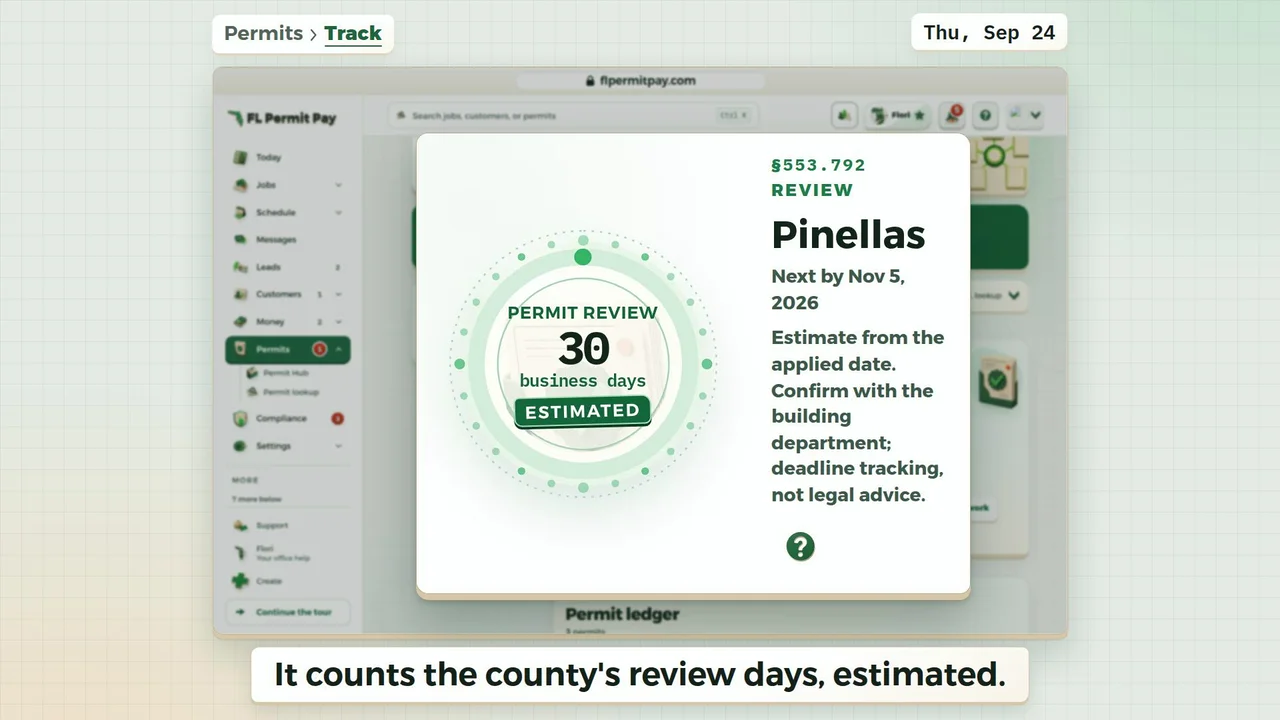
- It counts the county's review days, estimated.
- The Permits page shows where county mail is forwarded.
- Forwarding alone never changes a permit's status.
- Your team forwards the county's email.
- Your office reviews it, picks Issued and confirms.
- Your office set it: the header reads Issued.
- Your office reviewed the county's mail.
The last frame: Track your next permit the same way. Next: Proposals | Jobs. flpermitpay.com.
What we check, what you keep, what the county owns.
Review the sourced pre-check
All 67 Florida counties get an answer. Where we have checked your county's own rules, you get those. Otherwise you get the statewide rule, labelled as one, with your county's portal.
Find the company permit record
Find the permit notes your crew typed in, and narrow them down to one job.
Add a permit from the job
Pick the job and its address and county fill in. When the job has no county on record, County stays empty and says so. We never guess one for you.
Maintain dates and inspections
Keep status, dates, inspection notes, and related documents together, entered by your own team. Record an inspection's result when you add it. On a roofing permit the suggested inspections are roof steps only: Pinellas County's own list on a Pinellas permit, and a generic roofing sequence, labelled generic, everywhere else.
Confirm the authority record
Before an inspection or a draw, call the building department and match your record to theirs. Their file is the official one.
Keep the permit record moving.
Check what the county wants for each permit, then track its dates, inspections and paperwork on the job.
Permit Hub is not in the 14-day trial. Recording permits, county mail and the review clock start when you pick a plan.