
 Pricing
 Sign in
Your jobs. In your pocket.
Check the job. See the next step. Keep moving.


One phone, the same records
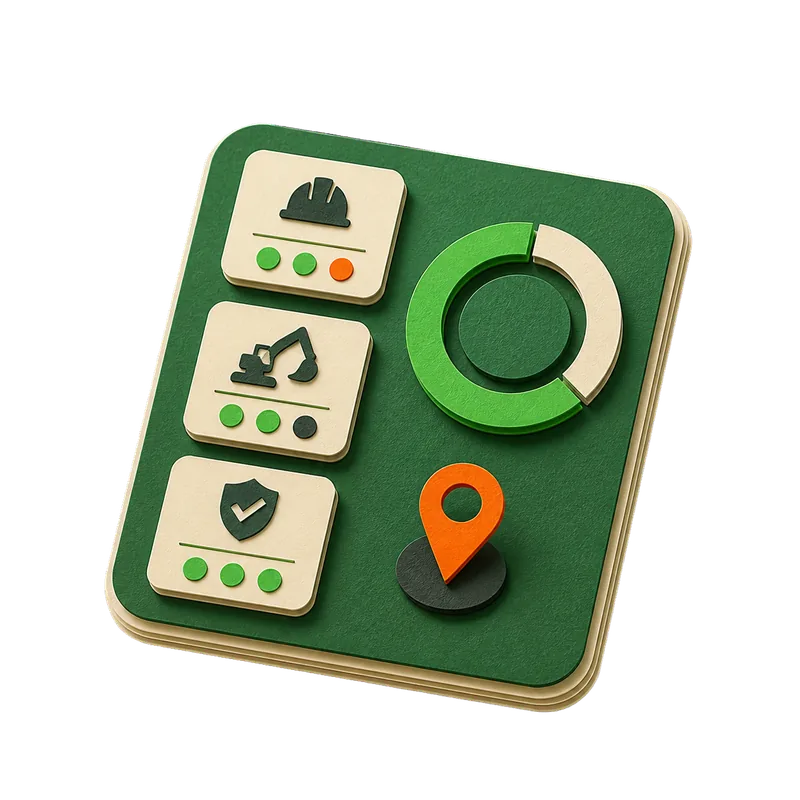
Today, in orderThe day's work with what is late called out, and nothing else dressed up as urgent. Tap through to the job. Permits, where they standApplied, issued, inspections, expiry. What is close to expiring is flagged, and nothing else is. The camera, filedTake the picture or pick one you already took, caption it, and it lands on the job it belongs to. Licenses and insuranceWhat has expired and what renews next, so a lapsed certificate is not something you find out about at the gate.

Bad signal is normal, and the app says so.
Everything the website has
The app opens your production dashboard: Today, jobs, permits, photos, documents, schedule, customers, crew, leads, proposals, claims, compliance, storm, inbox and search, under the role your account already carries.
Call, text or drive there from the job
Open a job and the customer's name and the site address sit right under the job name, with Call, Text and Directions buttons. Each one shows only when the job has the phone number or address it needs.
My day, in the order you drive it
A crew member's My day lists the jobs in today's route order, stop by stop. Jobs that are not on today's route follow, alphabetically.
The camera and the photo library
The photo control opens the iPhone's own capture sheet, so a picture goes from the roof to the job record without leaving the app, with its caption typed at upload. Pick several at once and they go up one by one with a count and a Retry for any that fail.
Your location, only when you ask for it
The one place the app requests a position is the time-log stamp, and only when you tap it. Nothing follows the phone in the background. A shift you forgot to clock can be typed in on My day for the office to check, and that asks for no position at all.
Numbers read the same as they do at the desk
Money, dates, and counts sit in the same number style the office uses, so a figure reads the same on a roof as at a desk.
Put the record where the work is.
The same company, the same jobs, the same numbers, opened from the phone already on the job site.