
 Pricing
 Sign in
Your next step, made clearer.
Meet Flori: it tells you what needs attention, and shows the record behind it.



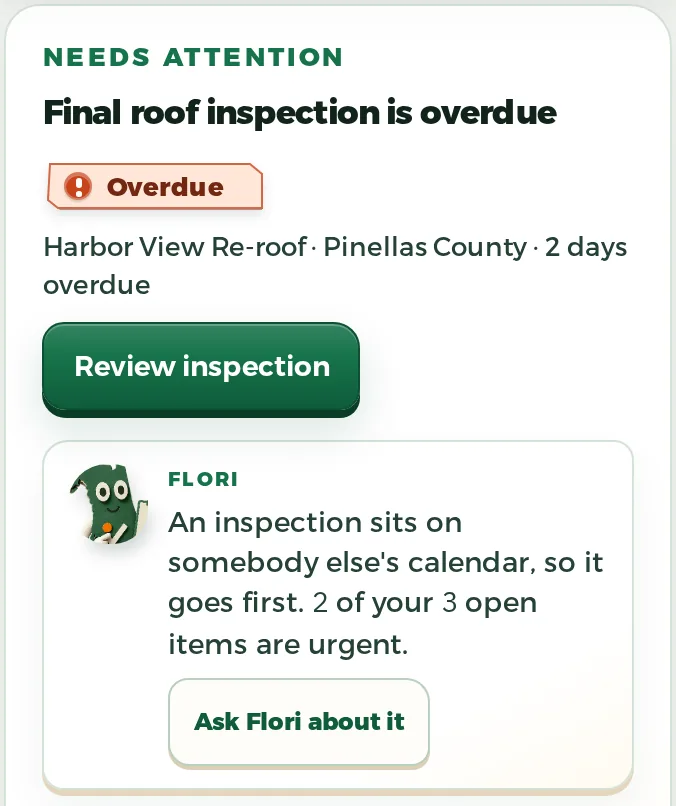
Ask Flori.
In your own words.
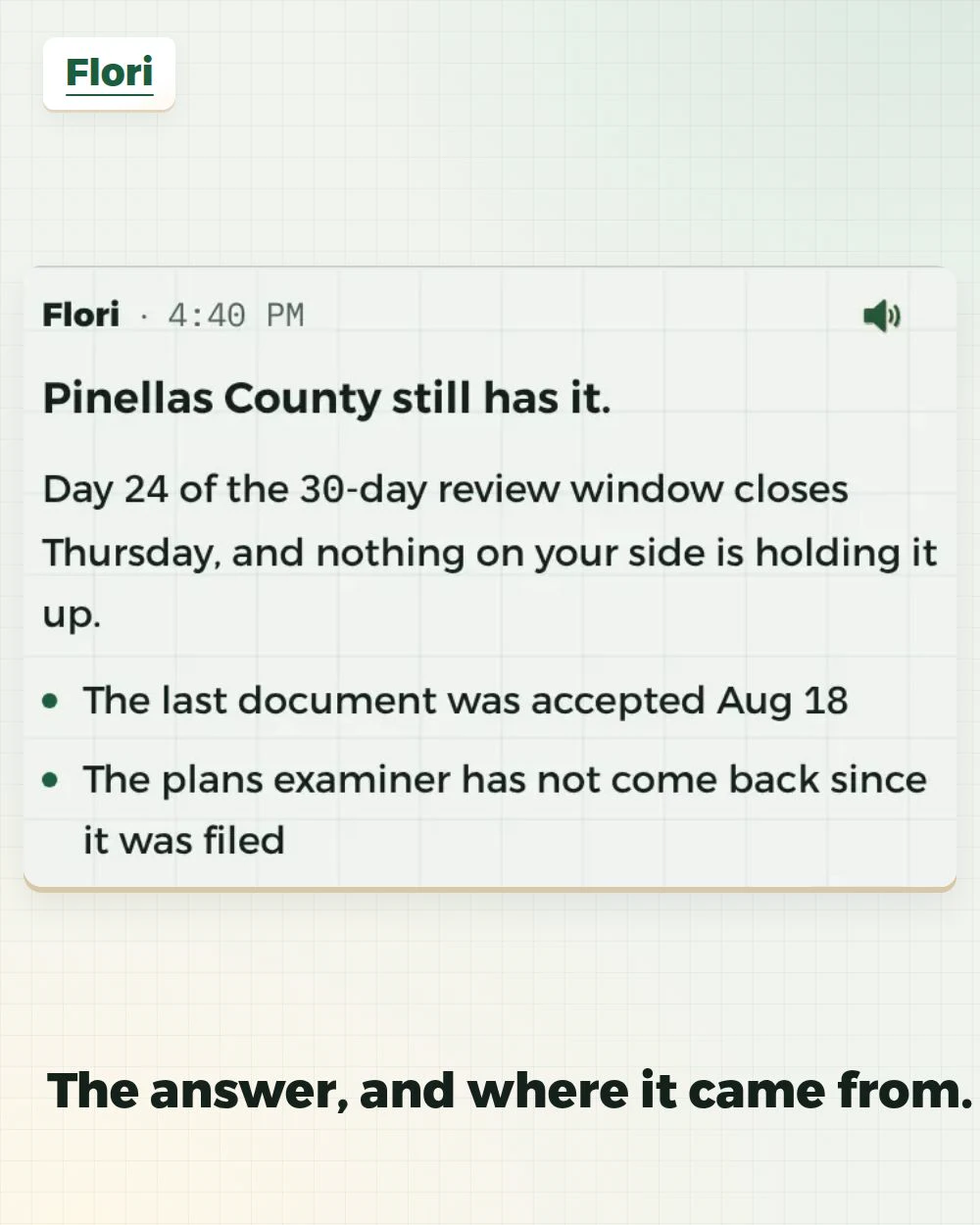
Ask, verify, then decide.
Ask from the work you can access
Flori only reads the records your role can already open.
Ask from the job you are standing on
Open Flori from a job and you get that job's own page. Before you type it names the job, the stage it is in and, once a takeoff exists, the squares on its takeoff, then puts up only the questions this job's own records can answer: always what to do next, and, when the job has them, its permit, its money and its roof takeoff, each under the fact it came from. The message box is on screen and the page does not scroll away under your thumb. Ask about the job without naming it. Everywhere else on the job, if Flori's card would sit on something you need, it waits as an edge tab instead.
Review the answer and its gaps
A long answer lands with its first line in view, so you read the answer instead of hunting for it, and a line with a deadline running on it gets marked. Open the supporting record links and check any partial-source warning before relying on the briefing.
Ask a follow-up
Flori keeps the thread, so the next question builds on the last answer.
Confirm a supported action
Ask for a change Flori supports, then read exactly what it wrote up before you approve. Set up a job. Book a site visit and say who is going. Start a proposal. Look up what a county permit needs. Set a dated reminder about a job or a person. Or have a customer message drafted that still waits for you to send it. When one lands, the next steps are offered with that record's own details already filled in.
Confirm what Flori notices
Flori derives patterns from your own records, like which day site visits usually land on, with the counts behind each one. You confirm or dismiss; only what you confirm grounds later answers, and a level meter shows how well Flori knows the company.
Grounded answers, confirmed actions.
- 01Role-scoped briefingJobs stalled, permits aging, money outstanding: one snapshot of what needs a look today.Grounded
- 02Partial sourceA partial-source warning flags a briefing built on incomplete records, so treat those lines as leads to check, not facts.Flagged
- 03Prepared actionFlori lines the change up; it sits there until you hit confirm.Needs confirmation
- 04On a job pageFlori's card prefers something from the job you are on. If that job has nothing of its own, you get the company's most urgent item instead, named so you can see which job it belongs to.This job first
- 05Money, deletes, filingsFlori will not move money. It will not delete anything for good, and it will not file with the government.Unsupported


Grounded does not mean automatic.
Start with the records your role can see.
Open Flori. Read a briefing, ask a follow-up, and look at the record behind it.
Permit Hub is not in the 14-day trial. Recording permits, county mail and the review clock start when you pick a plan.