
 Pricing
 Sign in





Forward it once. It finds the permit.

This works because you forward your own mail. FL Permit Pay does not log into a county portal, poll one, or hold a credential for one. Permit Hub is not in the 14-day trial. Recording permits, county mail and the review clock start when you pick a plan.
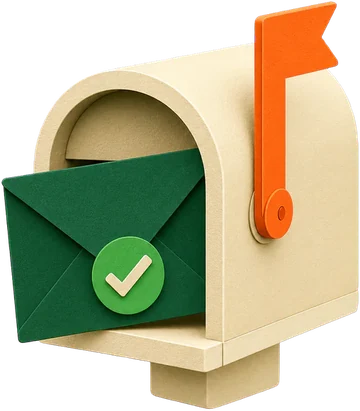

One mail rule, then nothing to do
Your own addressTurn county mail on and your company gets its address straight away. Point a Gmail filter or Outlook rule at it once. Matched by numberWe read the permit number the county wrote and attach the message to that permit. Their words, keptThe county's subject line is stored exactly as written. You read their words, not our summary. Arrived early? Still keptMail about a permit you have not added yet is held, and attaches itself the moment you add it.
What stops happening once the rule is set.
Checking the portal to see if anything moved
The county already told you by email. Now that email is on the permit, with the date it arrived.
Hunting for which permit an email was about
The record number in the message decides. If it matches two of your permits, we attach it to neither and say so, because guessing on a permit record is worse than asking.
Retyping a permit number off a screen
When the county writes about a permit you have not entered, the number is carried into the new-permit form for you.
Wondering whether anything was missed
The page shows when county mail last arrived. If nothing has come in, it says so.
Set one mail rule and stop refreshing the portal.
The mail rule takes a couple of minutes in Gmail or Outlook. After that, each county email that names one of your open permits by number lands on that permit.
Permit Hub is not in the 14-day trial. Recording permits, county mail and the review clock start when you pick a plan.