
 Sign in






Schedule a crew day
4 steps, in the order you do them.
Follow it on screen.
- 1
Open Add event
Put the visit on the job's schedule so the office and the field agree.
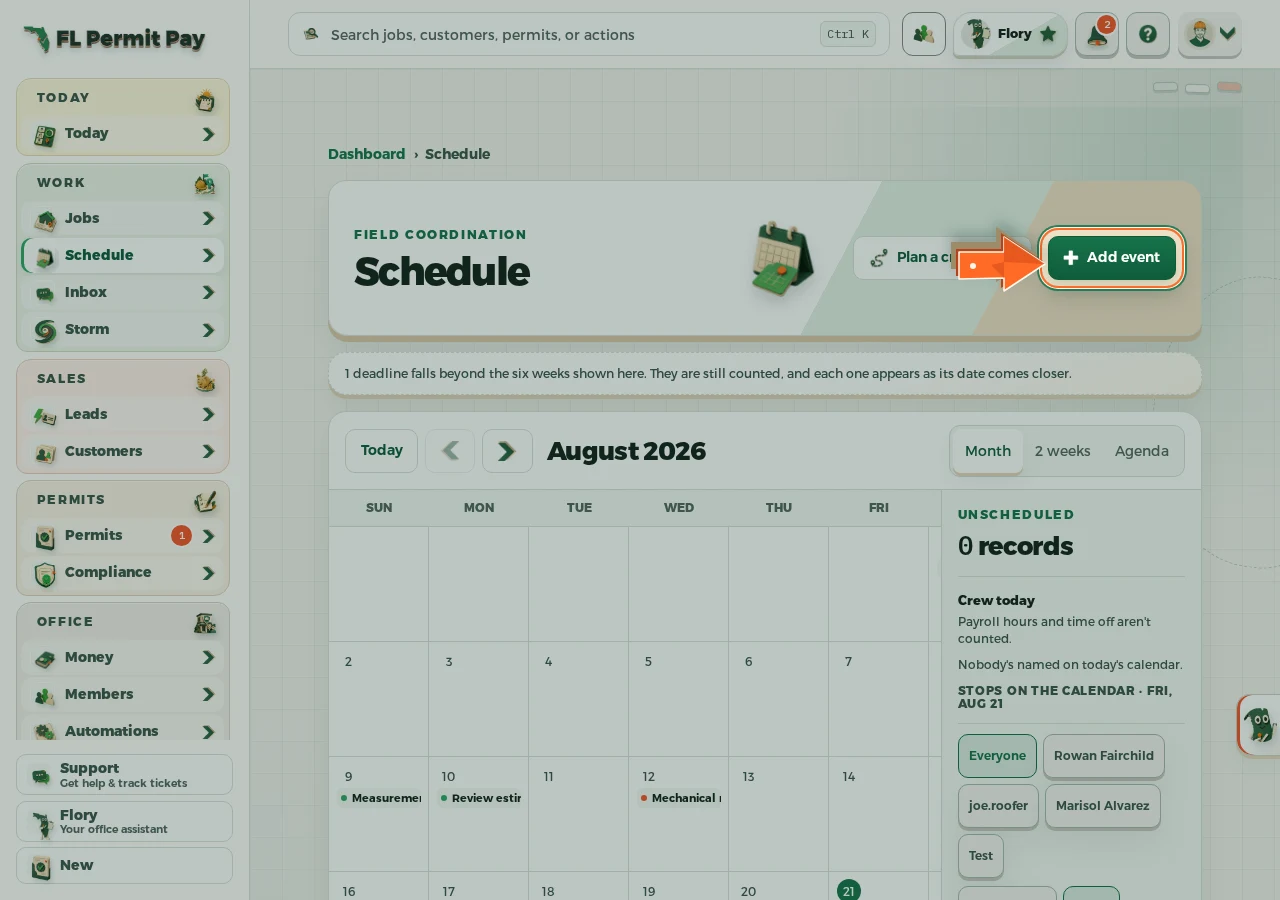
The real screen - the arrow marks the control. Tap to see it full size. - 2
Link the job
The day then shows up on that job as well.
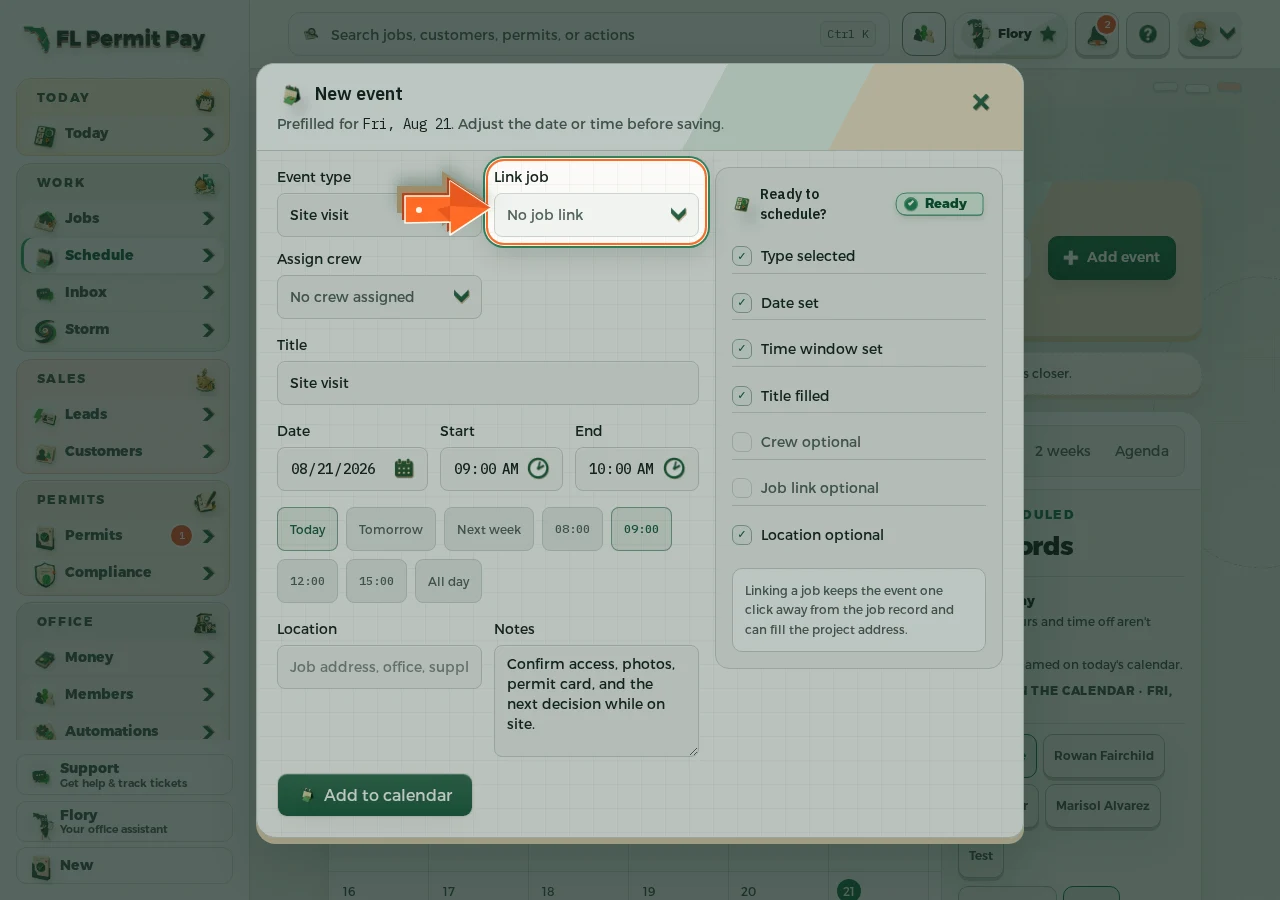
The real screen - the arrow marks the control. Tap to see it full size. - 3
Assign the crew
It flags anyone already booked that day.
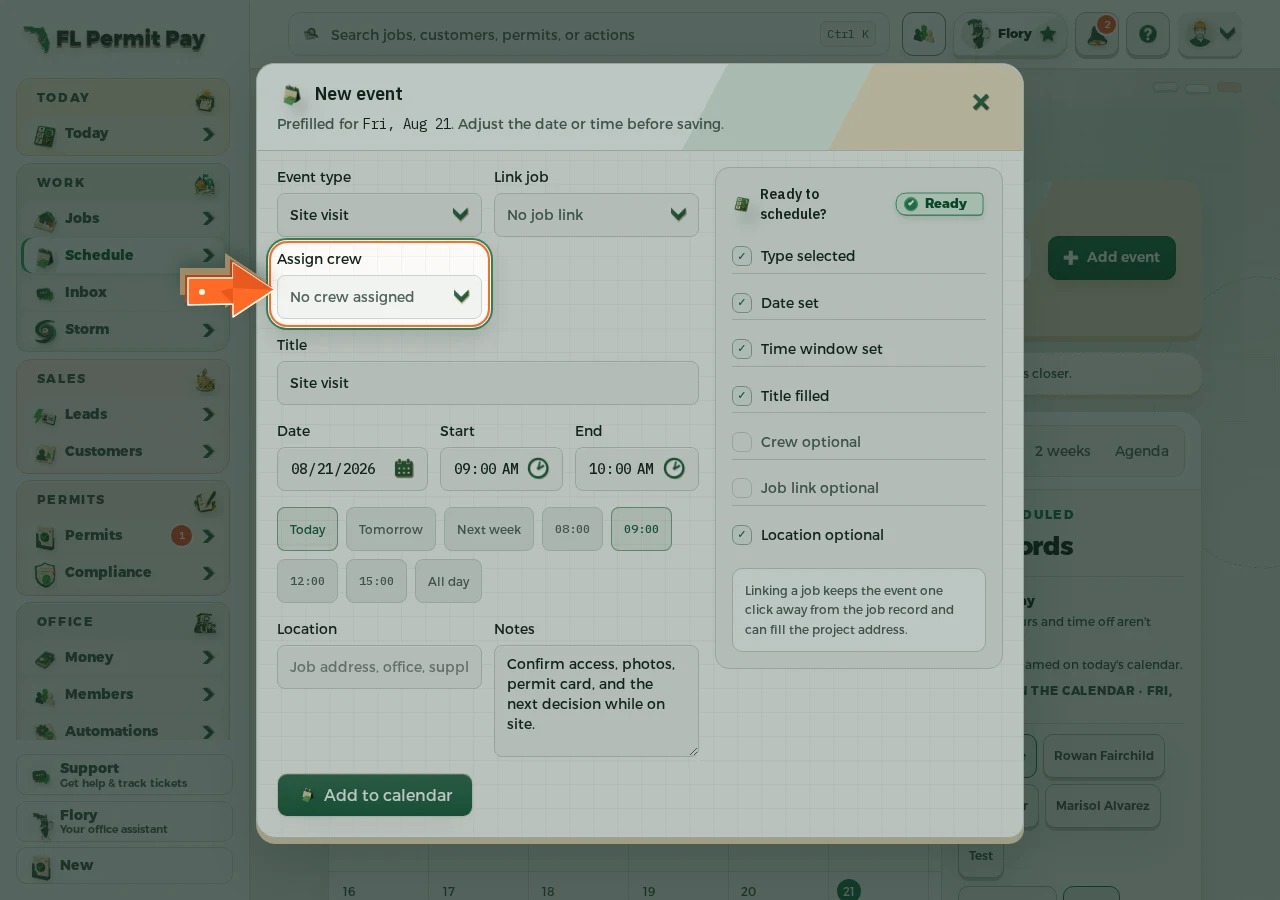
The real screen - the arrow marks the control. Tap to see it full size. - 4
Add it to the calendar
Everyone reading the schedule sees it from then on.
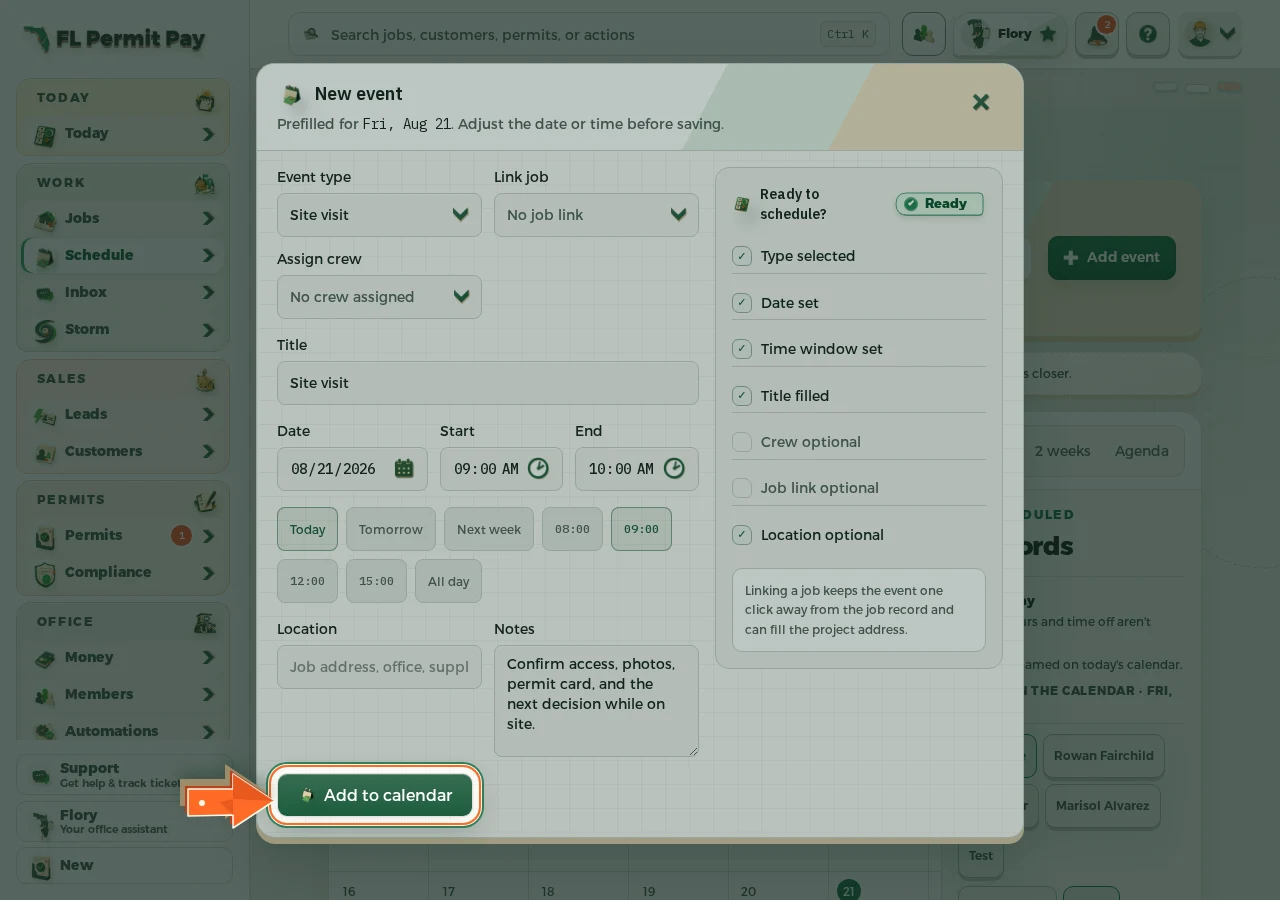
The real screen - the arrow marks the control. Tap to see it full size.
