
 Sign in




Add a priced item to the catalog
4 steps, in the order you do them.

Follow it on screen.
- 1
Add a catalog item
Materials, labour and cost items proposals and jobs both draw from.
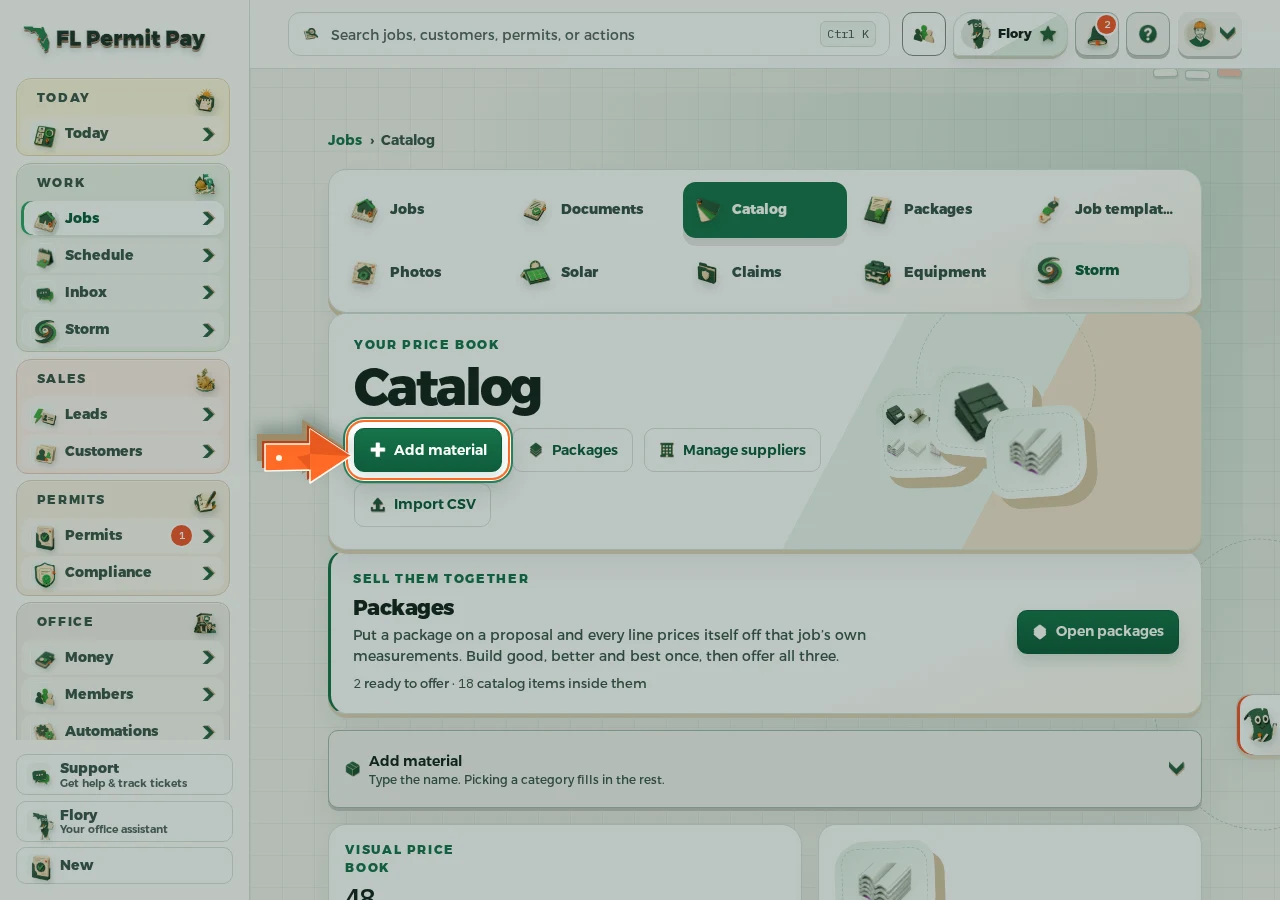
The real screen - the arrow marks the control. Tap to see it full size. - 2
Name the item
Whatever you call it on the supplier order.
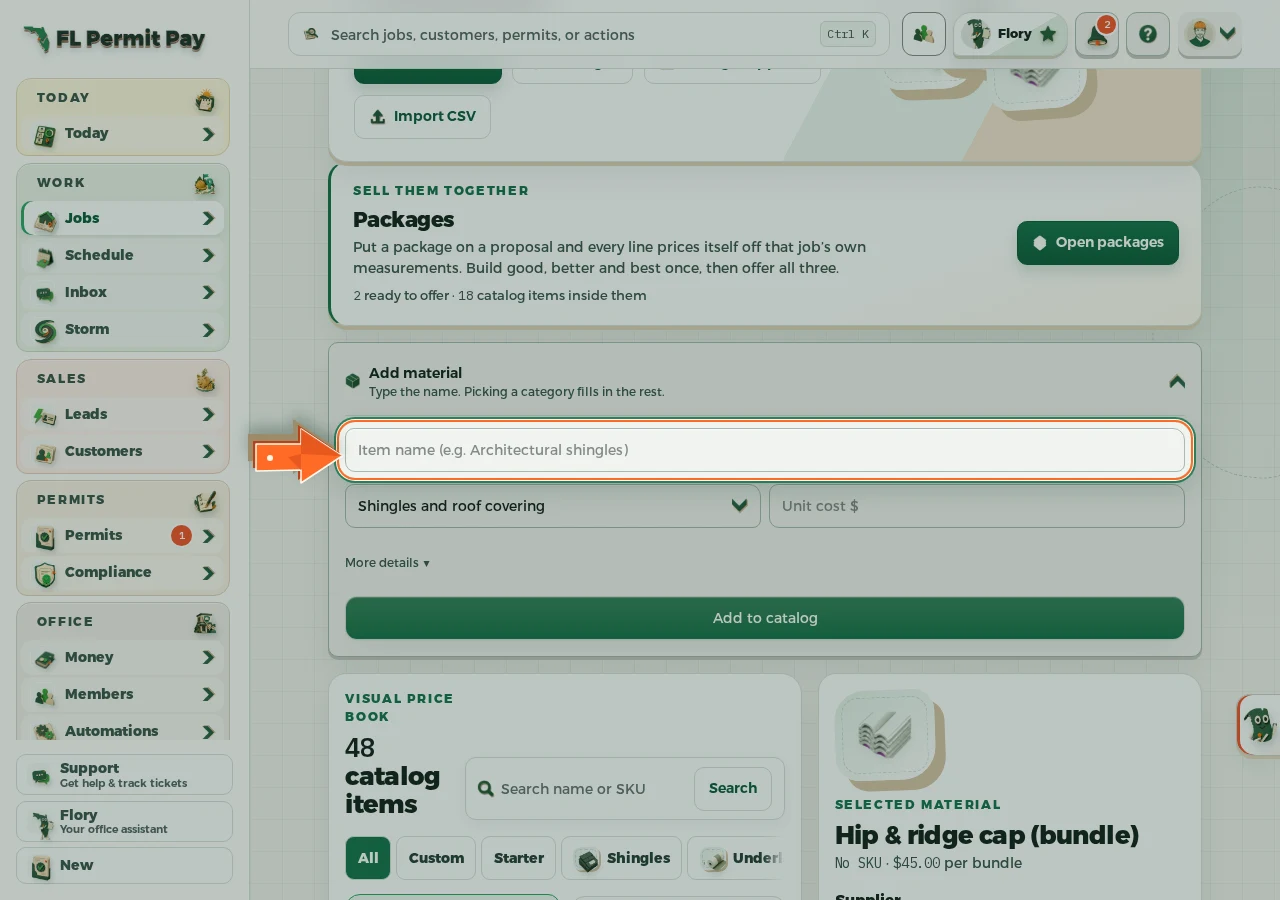
The real screen - the arrow marks the control. Tap to see it full size. - 3
Enter the unit cost
What you pay for one of them, before waste.
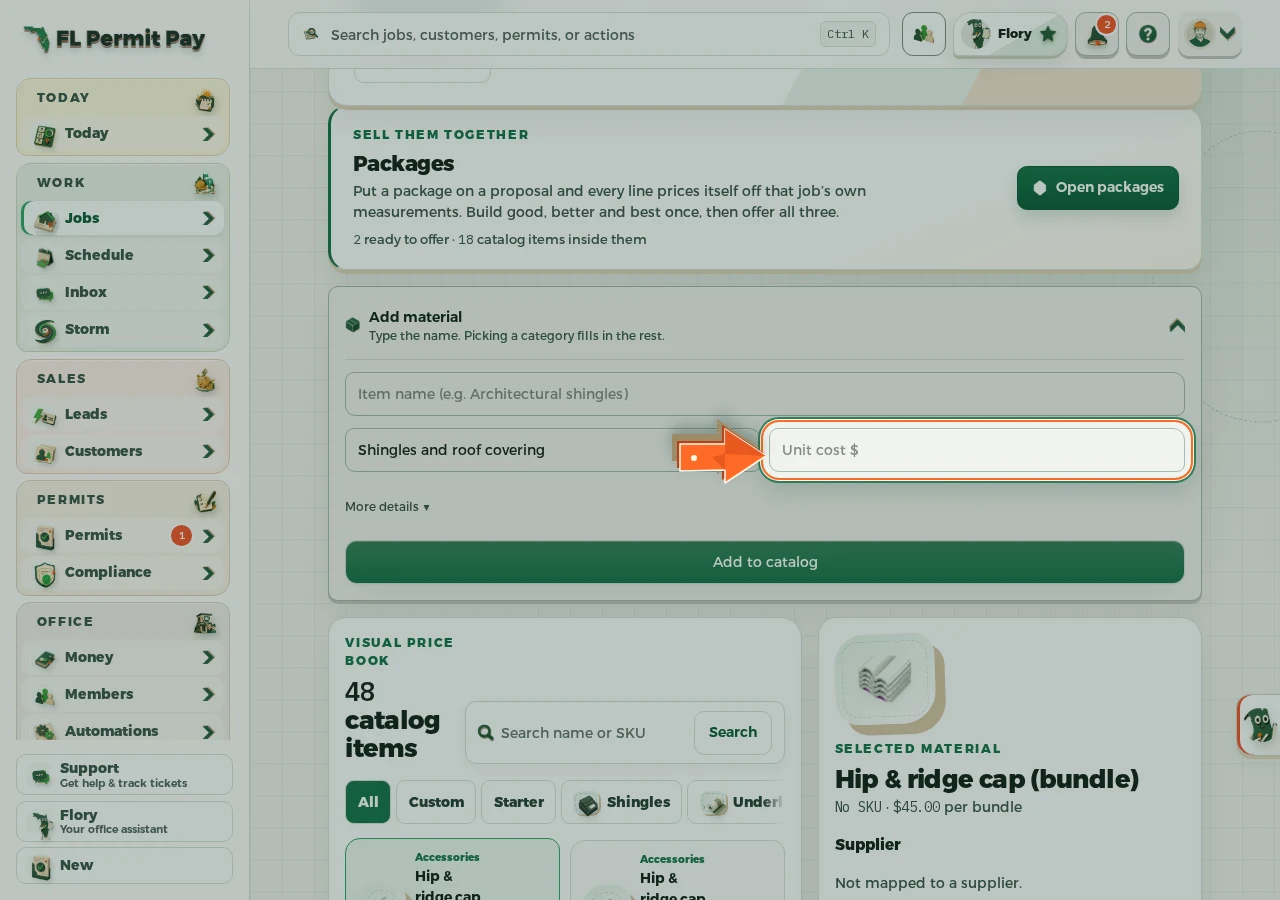
The real screen - the arrow marks the control. Tap to see it full size. - 4
Add it to the catalog
Proposals and jobs can price off it right away.
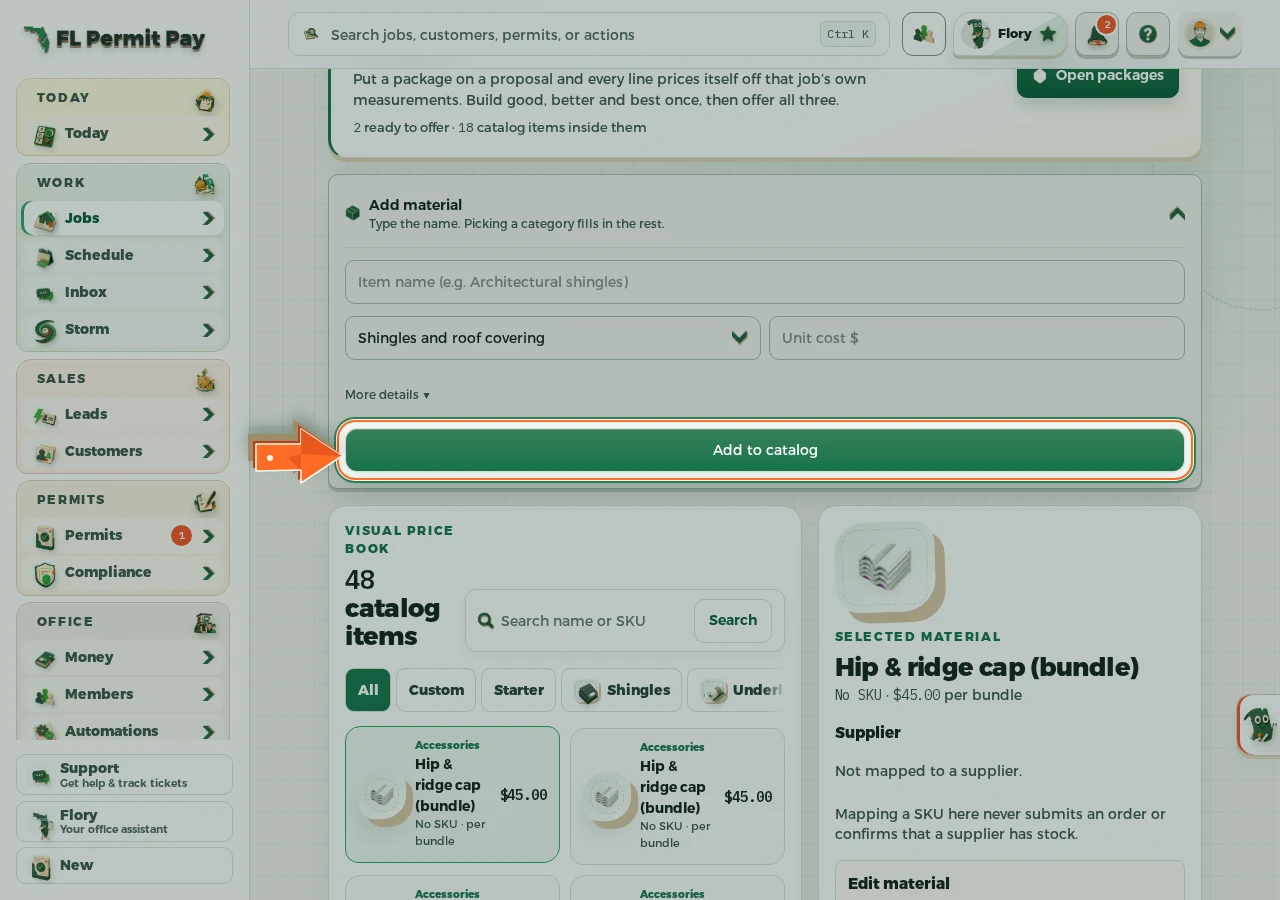
The real screen - the arrow marks the control. Tap to see it full size.
