
 Sign in








Build a reusable job template
4 steps, in the order you do them.

Follow it on screen.
- 1
Open New template
A template copies its line items into every job that starts from it.
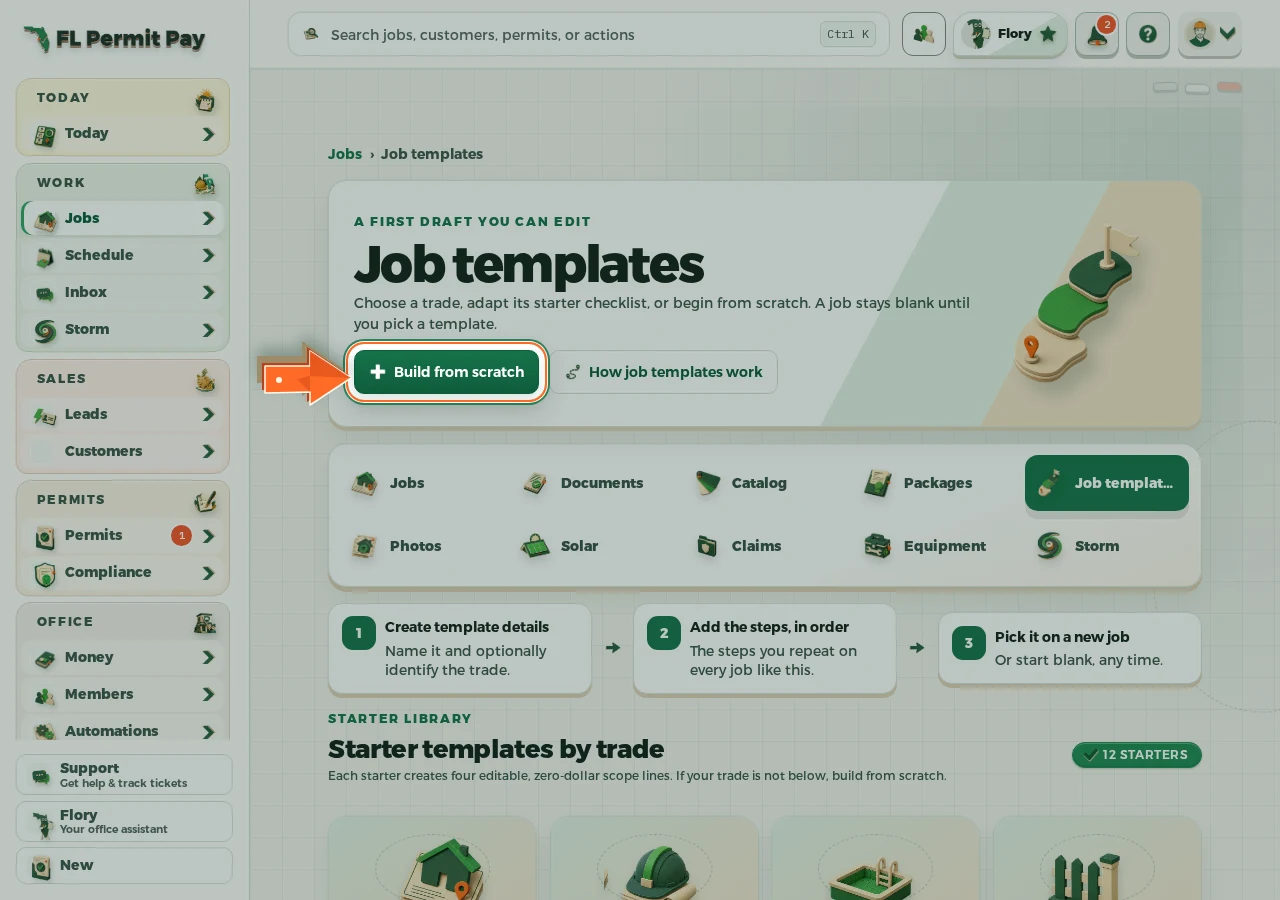
The real screen - the arrow marks the control. Tap to see it full size. - 2
Name the template
Name it after the work, not the customer.
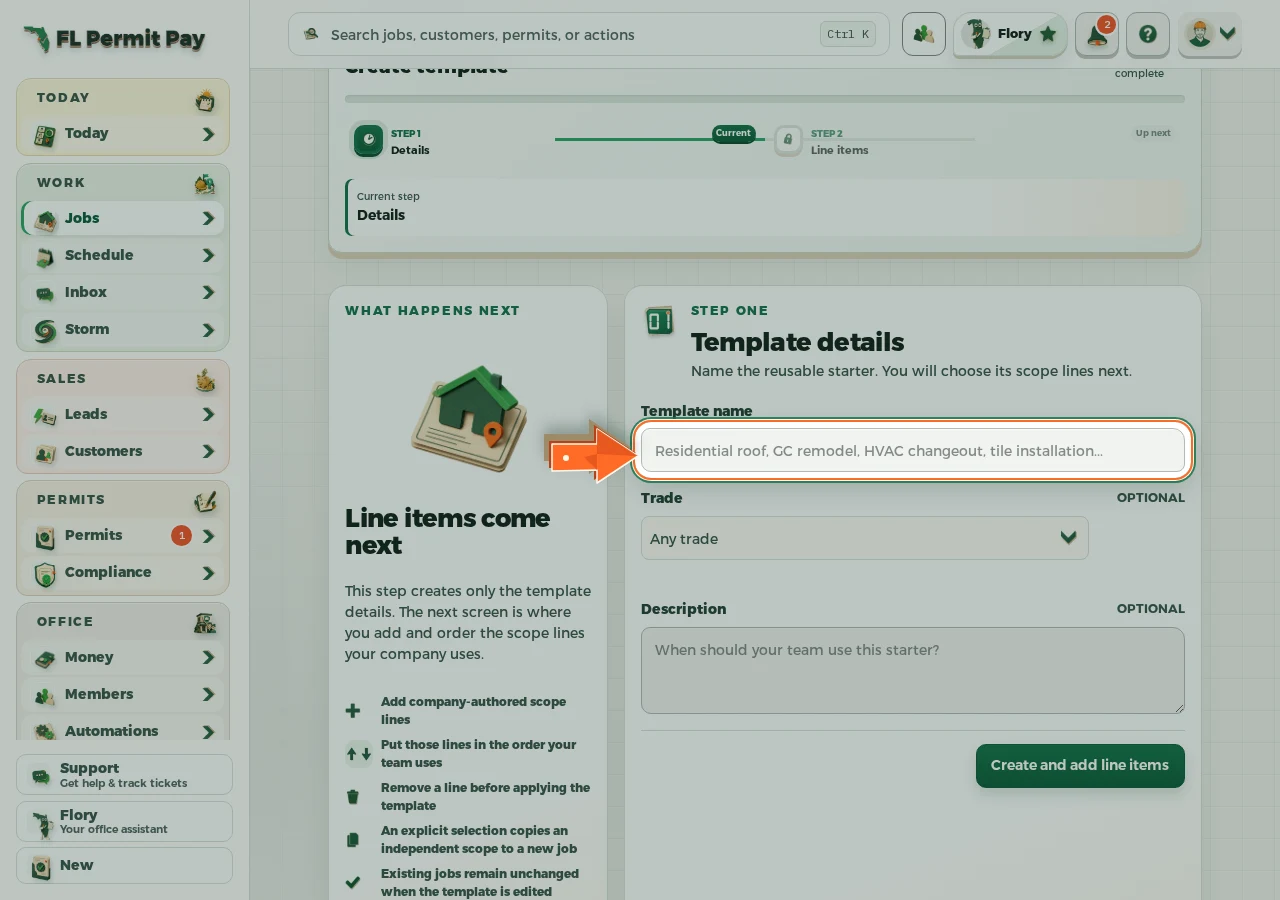
The real screen - the arrow marks the control. Tap to see it full size. - 3
Add the tasks
The steps this kind of job always needs.
- 4
Save it
Later edits never rewrite work already underway.
