
 Sign in








Import a customer list
4 steps, in the order you do them.

Follow it on screen.
- 1
Start the import
Bring an existing list in rather than retyping it.
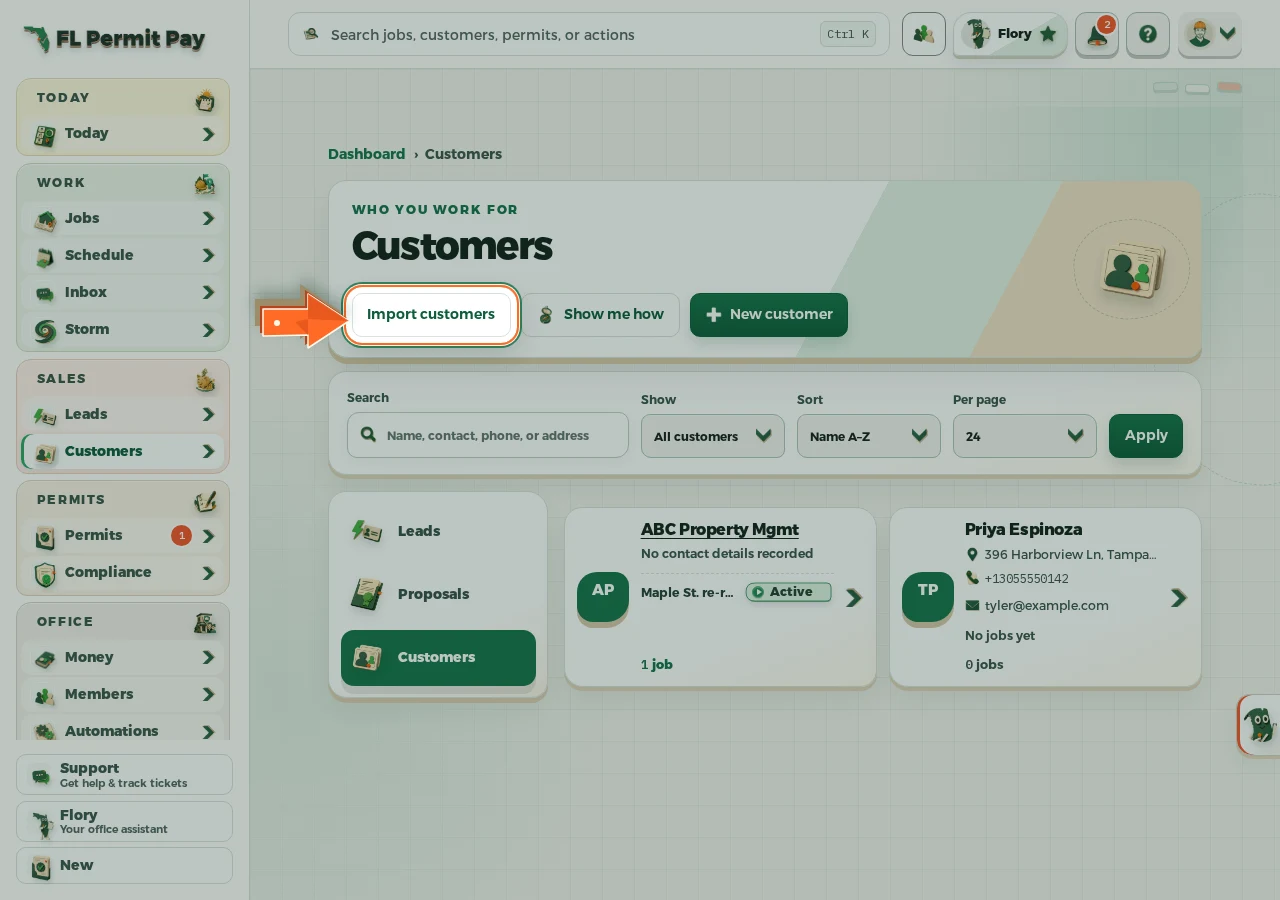
The real screen - the arrow marks the control. Tap to see it full size. - 2
Choose the file
A CSV exported from whatever you use today.
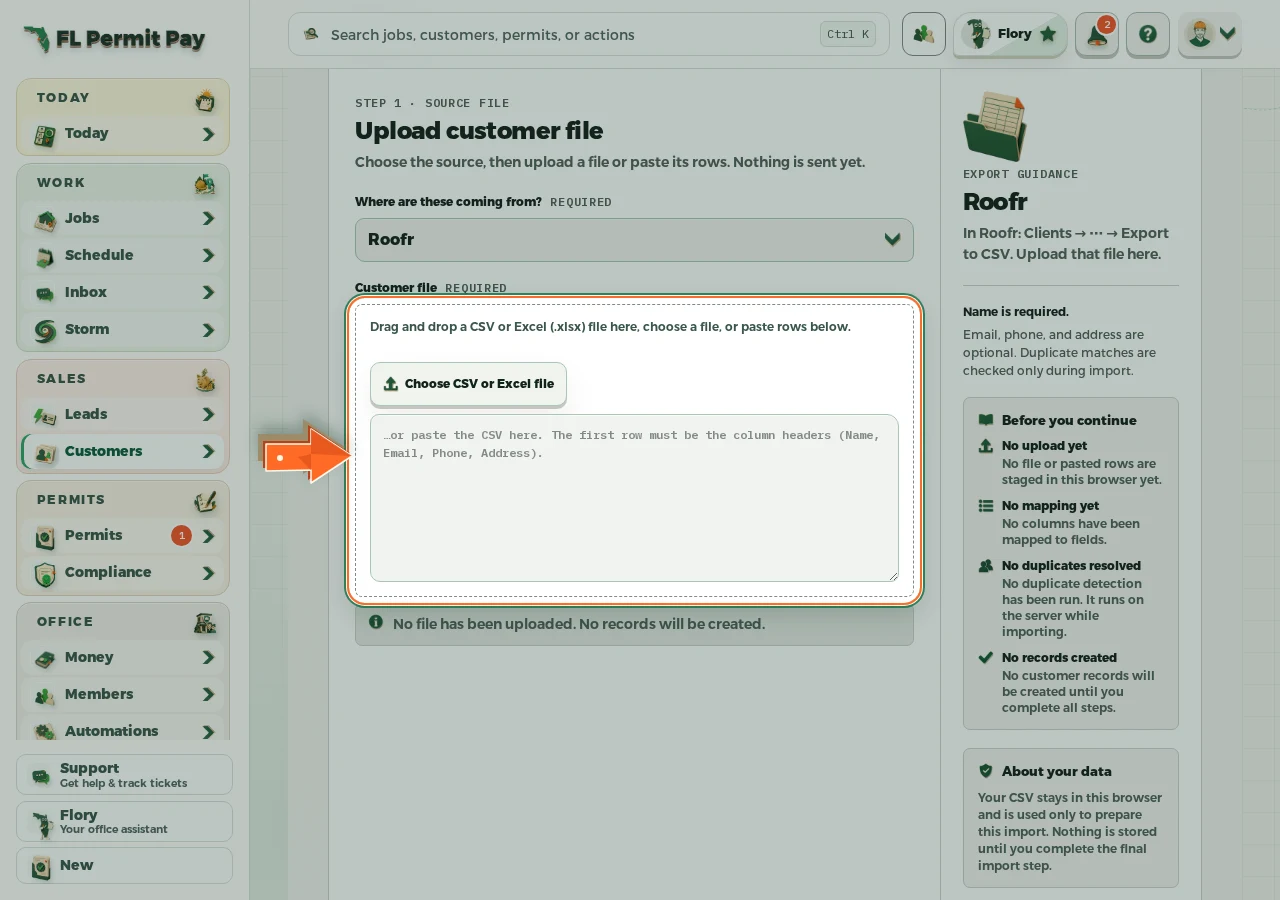
The real screen - the arrow marks the control. Tap to see it full size. - 3
Map the columns
Tell us which column is the name, the phone, the address.
- 4
Run the import
Duplicates are flagged before anything is written.
