
 Pricing
 Sign in







Sell a service plan and run the route
4 steps, in the order you do them.

Follow it on screen.
- 1
Create the plan
Name the visit, the price, and how often it bills - lawn care, spraying, pool service.
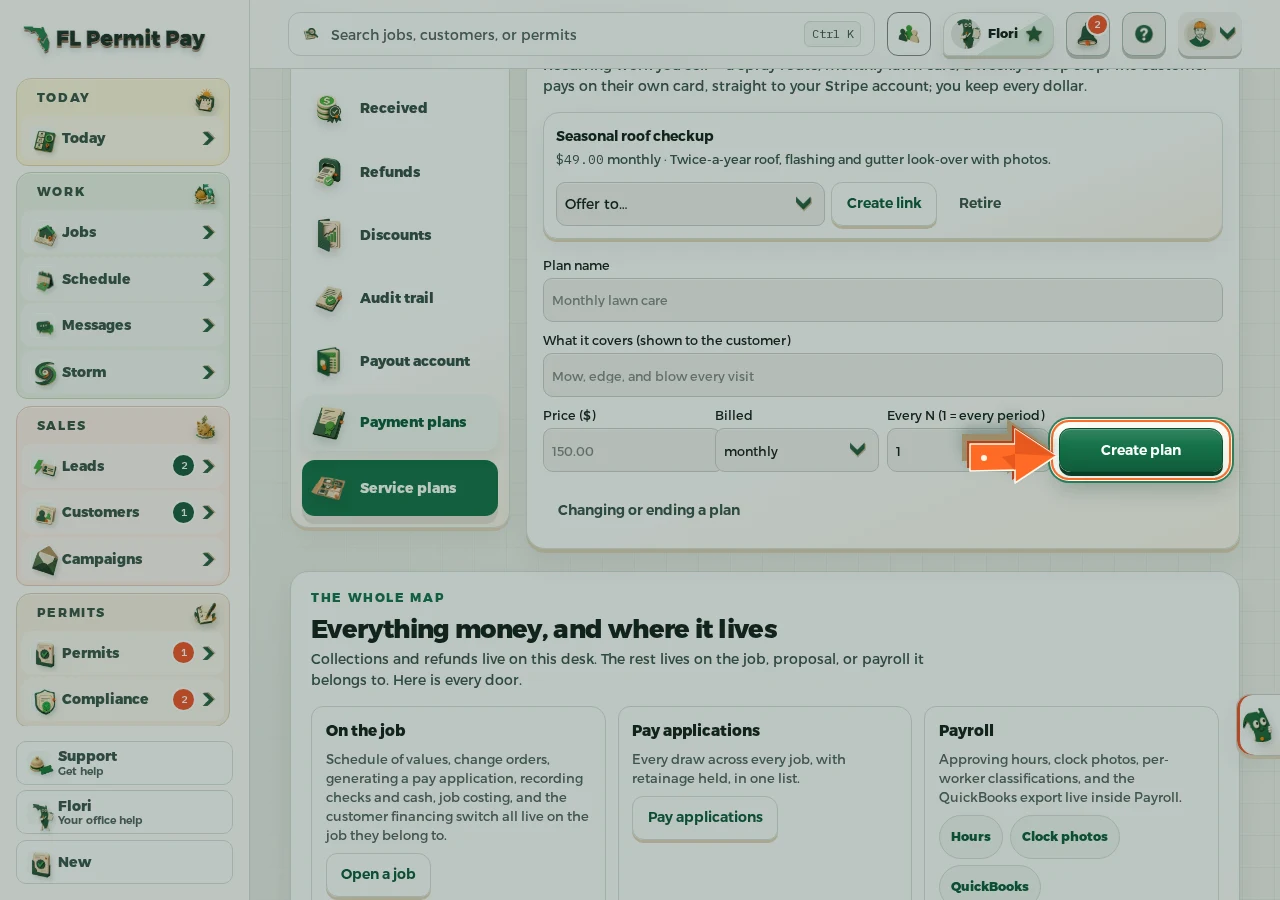
The real screen - the arrow marks the control. Tap to see it full size. - 2
Offer it to a customer
Send the link; they start it with their own card and the money lands in your Stripe account.
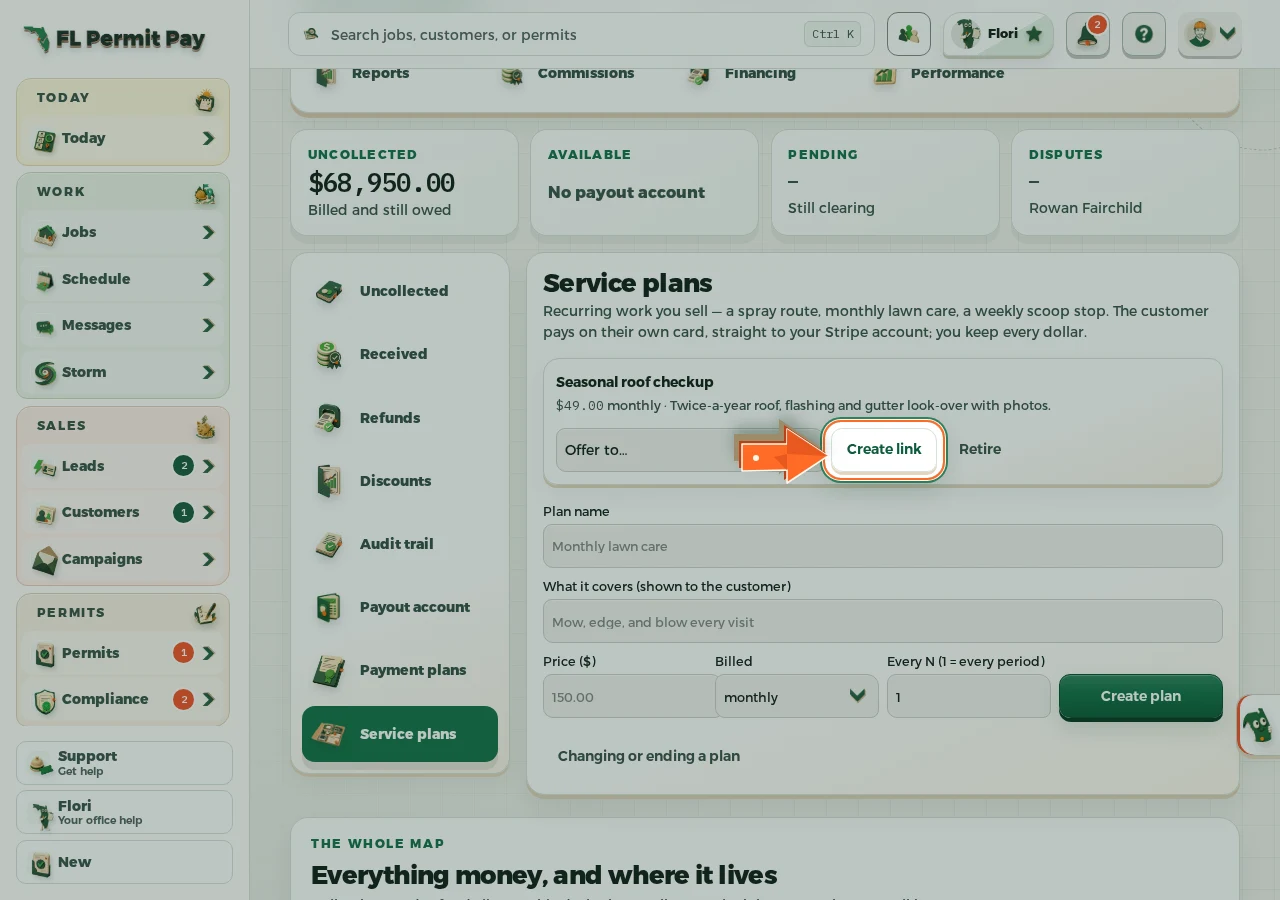
The real screen - the arrow marks the control. Tap to see it full size. - 3
Give the stop a day
Every paying customer becomes a stop; pick the service day and add notes for the truck.
- 4
Log the week's visit
The office record for the week - it never changes what the customer is billed.
